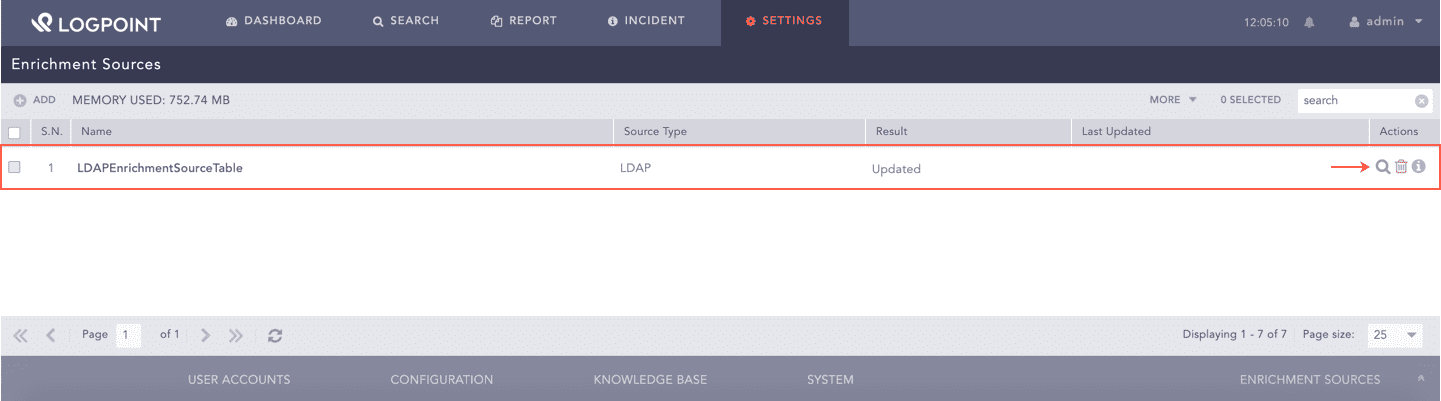
Go to Settings >> Configuration >> Enrichment Sources.
Settings >> Configuration >> Enrichment Sources
Click the search () icon from the Actions column.
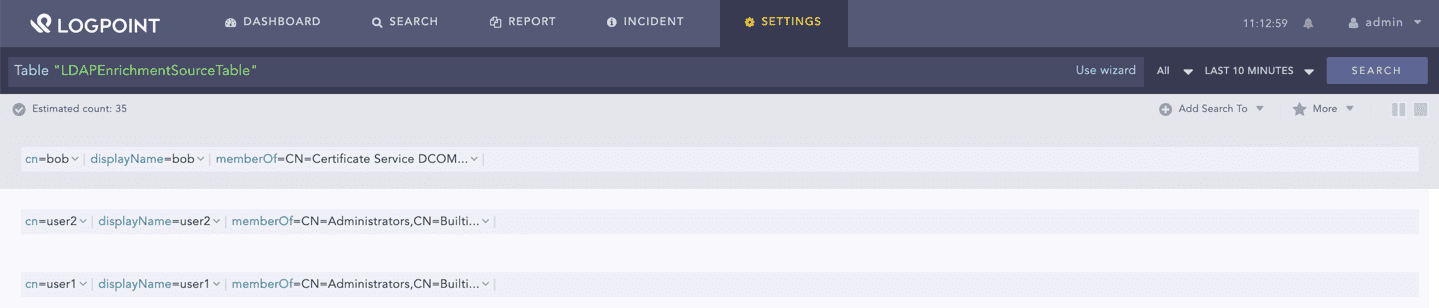
Searching LDAPEnrichmentSource Table
LDAPEnrichmentSource Table
We are glad this guide helped.
Please don't include any personal information in your comment
 ) icon from the Actions column.